JWT in a nutshell in terminal
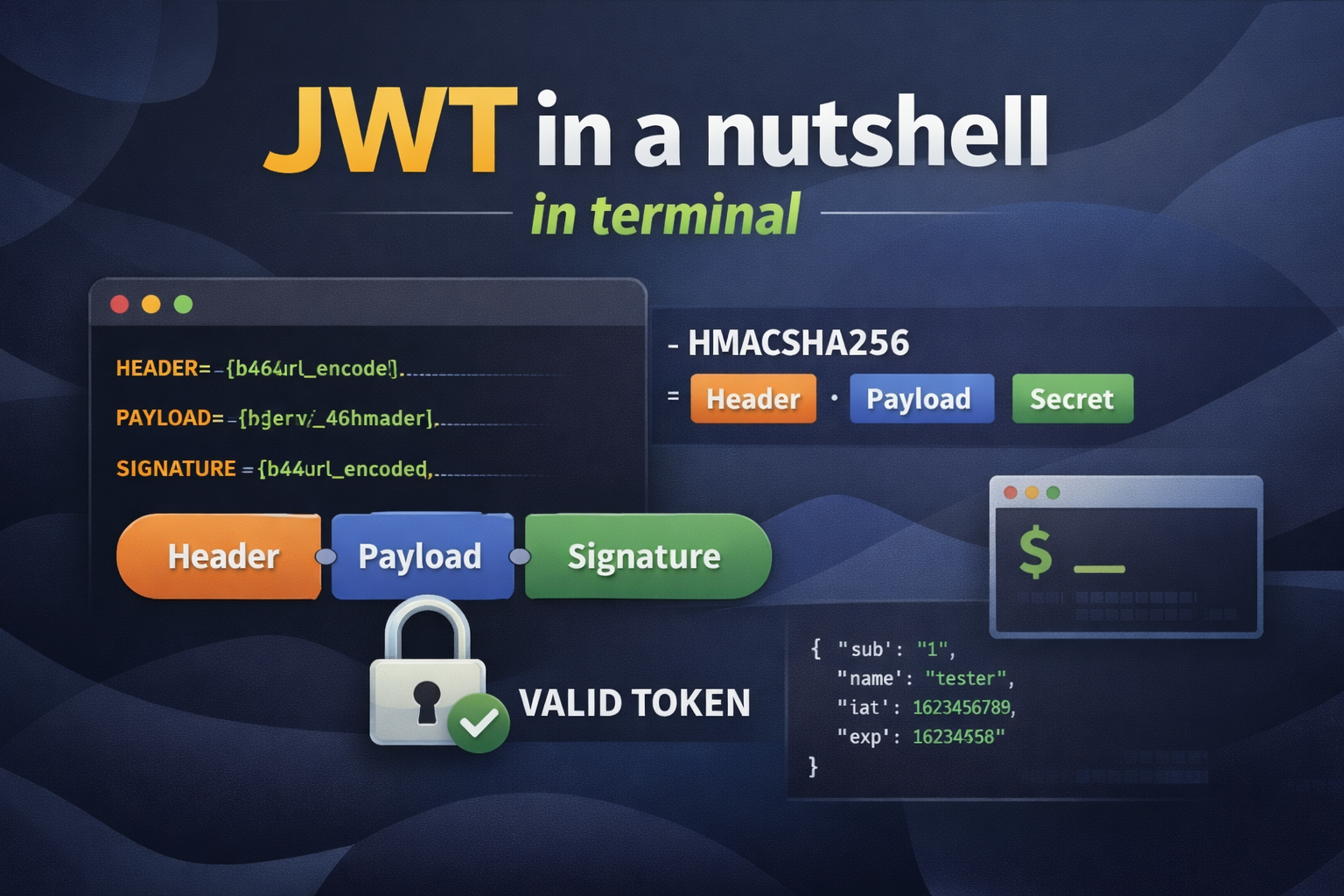
It is compact and safe way to transmit info between two parties securely.
The format is Header.Payload.Signature
Header contains the metadata, usually what is used for signing, in our case HMAC-SHA256
HMAC is already covered in this post
Payload, the message to be transmitted. As you know from HMAC, it is protected against tampering. However, data is not encrypted which means anyone can read the data with the token, so NEVER EVER put sensitive data here.
1
2
3
4
5
6
7
{
  "sub": "id",
  "username": "username",
  "admin": false,
  "iat": "issued-at-time",
  "eat": "expired-at-time"
}
Signature which ensures sender and message is not changed. (Remember HMAC)
You may don’t know but, I am a doer more than a reader, and always believing the power of practicing in learning. Let’s create our own JWT in terminal like a cool developer. If you remember how we used ‘openssl’ in HMAC post, it’ll be easy. The key thing is everything should be base64url encoded.
1
2
3
4
5
6
7
8
9
10
11
12
13
14
15
16
17
18
19
20
21
22
23
24
25
26
27
28
29
30
31
32
33
34
35
# Base64 → Base64URL (JWT normalization)
b64_to_b64url() { tr '+/' '-_' | tr -d '=' }

# Base64URL encode per JWT spec
b64url_encode() { echo -n "$1" | openssl base64 -A | b64_to_b64url }

# Base64URL decode (normalize back for OpenSSL)
b64url_decode() { printf '%s' "$1" | tr '_-' '/+' | awk '{while(length%4)$0=$0"="}1' | openssl base64 -d -A; }

# Server-side shared secret
KEY=$(openssl rand -base64 32)

# JWT header
HEADER=$(b64url_encode '{"alg":"HS256","typ":"JWT"}')

NOW=$(date +%s)
EXP=$((NOW + 2)) # expires in 2 second
# JWT payload
PAYLOAD=$(b64url_encode "$(jq -nc --argjson iat "$NOW" --argjson exp "$EXP" \
  '{sub:"1",name:"tester",iat:$iat,exp:$exp}')")

echo "Header => $HEADER"
echo "Payload => $PAYLOAD"

# HMAC-SHA256 signature, Base64URL-encoded
SIGNATURE=$(echo -n "$HEADER.$PAYLOAD" \
  | openssl dgst -sha256 -hmac "$KEY" --binary \
  | openssl base64 -A \
  | b64_to_b64url)

echo "Signature => $SIGNATURE"

# Final JWT
JWT="$HEADER.$PAYLOAD.$SIGNATURE"
echo "JWT => $JWT"
This is how JWT is generated and sent to the client.
Now let’s simulate how it is used to authorize user in server side.
1
2
3
4
5
6
7
8
9
10
11
12
13
14
15
16
17
18
19
20
21
22
23
24
25
26
27
28
# Split JWT
IFS='.' read -r HEADER PAYLOAD SIGNATURE <<< "$JWT"

# Recompute signature
VERIFY_SIG=$(echo -n "$HEADER.$PAYLOAD" \
  | openssl dgst -sha256 -hmac "$KEY" --binary \
  | openssl base64 -A \
  | b64_to_b64url)

# Deterministic equality check
if [ "$VERIFY_SIG" = "$SIGNATURE" ]; then
  echo "Token is valid — payload was not tampered with"
else
  echo "Token is INVALID — payload or signature was changed"
fi

# Decode payload and check expiry
DECODED=$(b64url_decode "$PAYLOAD")
EXP_TIME=$(printf '%s' "$DECODED" | jq -r '.exp')
NOW=$(date +%s)

if [ "$NOW" -ge "$EXP_TIME" ]; then
  echo "Token EXPIRED (exp: $EXP_TIME, now: $NOW)"
else
  echo "Token is still valid (exp: $EXP_TIME, now: $NOW)"
fi

printf '%s' "$DECODED" | jq
This is the final version of our experiment for JWT in our terminal. As you can see, JWTs expirations are handled with iat and eat fields in the payload.
As a conclusion, JWTs are a simple yet solid way to secure your API’s.
- Tamper-proof: HMAC-SHA256 ensures the token and payload haven’t been modified in transit.
- Time-limited: Built-in expiration (
exp) prevents token reuse after they become stale. - Stateless: The server doesn’t need to store session data; the signature verification is all that’s needed.
- Portable: Easy to transmit and verify, making them ideal for distributed systems and microservices.
Use JWT when you need lightweight, scalable authentication without server-side session storage.